App Review Monitoring: What to Track Weekly (and Why)
Track the right app review metrics weekly to catch issues early, improve response operations, and connect user feedback to product decisions.

Most teams monitor average rating and stop there.
That misses the operational signals that actually prevent churn and support overload.
If you want app review monitoring that drives action, track a weekly scorecard with both sentiment and execution metrics.
Contents
- Why weekly monitoring beats monthly reporting
- The 7 metrics to track every week
- How to turn metrics into action
- Common monitoring mistakes
Why weekly monitoring beats monthly reporting
Monthly review analysis is too slow for mobile release cycles.
A weekly rhythm gives enough data to spot trends but still leaves time to react before issues compound.
The 7 metrics to track every week
- Review volume by day
- Average rating trend (not just point-in-time)
- % negative reviews (1-2 stars)
- Top recurring complaint themes
- Median response time
- Response coverage (% reviews answered)
- Post-release sentiment shift (7 days after release)
These metrics balance user perception and team execution.
How to turn metrics into action
For each metric, define a trigger:
- Negative reviews > 25%: run issue-cluster analysis
- Response time > 48h: adjust support staffing/workflow
- Same complaint in 3+ releases: open product-level problem ticket
Monitoring without thresholds becomes dashboard theater.
Common monitoring mistakes
- tracking too many vanity metrics
- mixing all locales into one score without segmentation
- reviewing sentiment without issue themes
- no owner assigned per metric
Weekly app review monitoring works when each signal has a clear owner and next action.
Save hundreds of hours handling app reviews
See every App Store review in one place, respond faster, and turn feedback into clear product decisions.
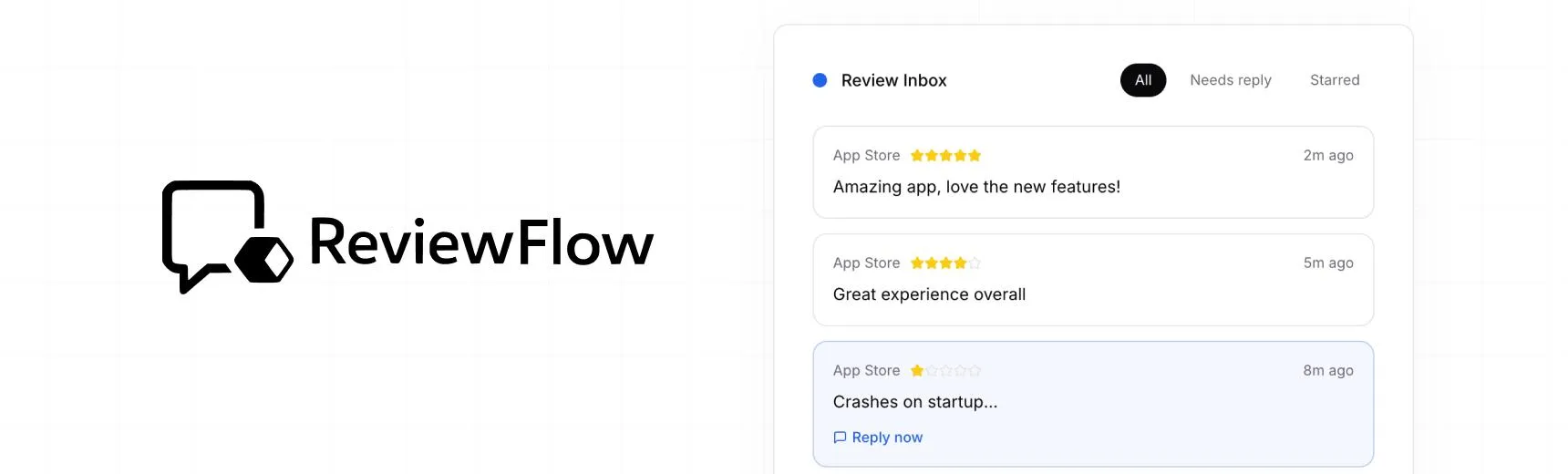
With ReviewFlow
AI-assisted workflow for faster review operations.
- Auto-cluster similar reviews (no manual tagging)
- Chat with your reviews using AI
- Reply with custom templates and bulk replies
- Draft responses faster with a consistent tone

Manual workflow
Time-consuming review handling with manual synthesis.
- Read reviews one by one
- Manually spot patterns and trends
- Write each reply from scratch
- Manually synthesize feedback for product handoff