App Store Review Analysis: Practical Framework for Product Teams
Use this practical app store review analysis framework to detect patterns, prioritize fixes, and turn user feedback into product decisions.

App Store reviews are one of the fastest ways to understand what users actually experience in your app.
The challenge is volume. Once reviews scale, teams miss recurring issues, react too slowly, and lose signal in noise.
A strong app store review analysis workflow fixes that. It helps you detect patterns early, prioritize fixes with confidence, and connect user voice directly to roadmap decisions.
Why app store review analysis matters
Most teams treat reviews as support noise. Strong teams treat them as structured product input.
When you analyze reviews consistently, you can:
- detect bugs faster after releases
- identify feature demand before planning cycles
- spot friction that drives low ratings and churn
- improve reply quality and public trust
- extract user language that can improve ASO and messaging
The 5-step framework
1) Collect and normalize review data
Pull reviews from iOS and Android into one workflow, then normalize:
- review text
- rating
- app version
- date
- country/language
- response status
Without normalized data, trend analysis becomes unreliable.
2) Tag by theme and sentiment
Use a stable taxonomy:
- Bug/Technical issue
- UX friction
- Feature request
- Billing/Account
- Positive feedback
Add sentiment labels (positive, neutral, negative) to track changes over time.
3) Prioritize repeated patterns, not one-off comments
Focus on recurring signals:
- repeated issue mentions
- spikes after specific releases
- themes tied to core flows (onboarding, paywall, login)
A single loud review is anecdote. Repetition is signal.
4) Score by impact and effort
Use a lightweight model:
- user impact
- frequency
- business impact (retention, conversion, revenue risk)
- fix effort
This keeps prioritization objective and prevents reactive roadmap churn.
5) Close the loop with users and teams
Analysis only matters if it drives action:
- ship weekly insight summaries for product and support
- track actions taken per theme
- reply quickly to critical negative reviews
- measure sentiment and rating movement after fixes
Closing the loop is where trust and retention gains happen.
Common mistakes to avoid
- manual reading with no tagging system
- mixing multiple intents in a generic bucket
- ignoring app version and date context
- over-prioritizing rare edge cases
- never measuring whether replies or fixes improved sentiment
Weekly operating cadence
- Monday: ingest and tag new reviews
- Tuesday: detect patterns and cluster issues
- Wednesday: product/support prioritization sync
- Thursday: execute fixes and response workflows
- Friday: publish KPI and insights summary
Consistency beats complexity.
Implementation checklist
- Unified iOS + Android review feed
- Stable taxonomy and sentiment labels
- Theme-level trend dashboard
- Priority scoring model
- SLA for critical review replies
- Weekly cross-functional review ritual
FAQ
What is app store review analysis?
It is the process of structuring and analyzing user reviews to identify recurring issues, opportunities, and trends that guide product and growth decisions.
How often should teams analyze app store reviews?
At least weekly. High-volume apps often need daily monitoring plus a weekly strategic review.
Can app store review analysis improve ratings?
Yes. Faster issue detection, better replies, and visible fixes usually improve rating trends over time.
Save hundreds of hours handling app reviews
See every App Store review in one place, respond faster, and turn feedback into clear product decisions.
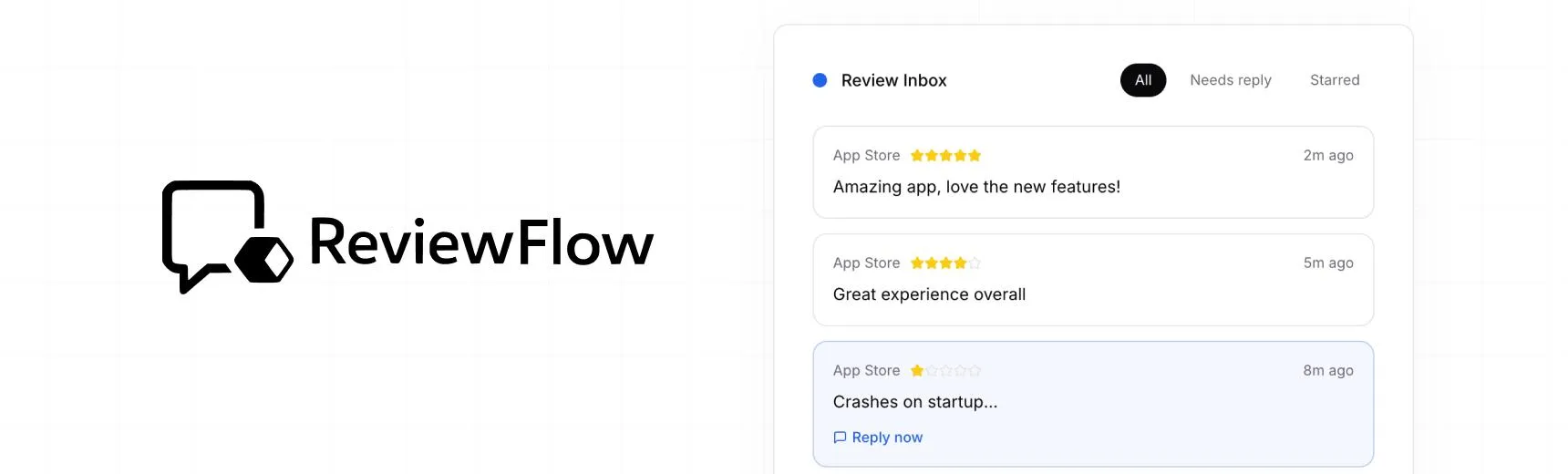
With ReviewFlow
AI-assisted workflow for faster review operations.
- Auto-cluster similar reviews (no manual tagging)
- Chat with your reviews using AI
- Reply with custom templates and bulk replies
- Draft responses faster with a consistent tone

Manual workflow
Time-consuming review handling with manual synthesis.
- Read reviews one by one
- Manually spot patterns and trends
- Write each reply from scratch
- Manually synthesize feedback for product handoff