How to Reply to App Store Reviews (Practical Playbook)
Learn a practical system to reply to App Store reviews faster, improve trust, and turn user feedback into product improvements.

If you reply to reviews with generic one-liners, users notice.
Public replies on the App Store and Google Play are not just support messages. They are visible proof of how your team handles problems, feature requests, and criticism.
This guide gives you a practical system to reply to app store reviews with speed and quality, without sounding robotic.
Contents
- What good review replies actually do
- App store review reply framework (A-C-T-I)
- Copy-ready templates by scenario
- Response speed SLA that works in practice
- Quality checklist before sending any reply
- Common mistakes that hurt trust
- Turn reply operations into product signal
- FAQ
What good review replies actually do
A strong reply does four jobs at once:
- It acknowledges the user’s issue clearly.
- It gives confidence that someone is accountable.
- It sets a concrete next step.
- It builds trust with future users reading the thread.
Weak replies fail because they are vague, defensive, or copy-pasted.
App store review reply framework (A-C-T-I)
Use this structure for almost every response. If you manage high review volume, pair this with an app store review analysis framework so recurring issues are detected and prioritized, not just answered.
A: Acknowledge
Mirror the user’s issue in plain language.
Bad: “Sorry for inconvenience.”
Better: “Thanks for reporting the crash when opening settings on iOS 18.3.”
C: Clarify
Show you understood the context.
- device/platform if known
- version if known
- specific flow affected
T: Take action
State exactly what happens next.
- fixed in version X
- currently investigating
- workaround available now
I: Invite follow-up
If unresolved, ask for one useful detail.
Example: “If this still happens after updating, share your device model and steps so we can reproduce it quickly.”
Copy-ready templates by scenario
1) Critical bug complaint (1-star)
“Thanks for flagging this, and you’re right to call it out. We found the issue causing login failures after the last release and shipped a fix in version 4.2.1. Please update and try again. If it still fails, reply with your device + OS version and we’ll investigate immediately.”
2) Billing complaint
“Thanks for sharing this. That billing experience is not what we want. We reviewed your report and can help resolve it quickly. Please contact support with your subscription email, and we’ll check the charge status and refund eligibility right away.”
3) Feature request
“Great suggestion, thanks for taking the time to write it. Bulk export is now on our roadmap and we’re validating scope. If you share your exact workflow, we can prioritize around real use cases.”
4) Positive review
“Thanks for the feedback, we really appreciate it. Glad the new tagging flow helped your team. If there’s one thing we should improve next, tell us and we’ll include it in planning.”
Response speed SLA that works in practice
If you want consistent outcomes, define service levels:
- critical negative reviews: under 6 hours
- other negative reviews: under 24 hours
- neutral/positive reviews: under 48 hours
Speed matters, but consistency and accuracy matter more. For platform-specific reply mechanics, use Apple’s App Store Connect response guide and Google Play’s official review reply documentation.
Quality checklist before sending any reply
- Is the issue restated clearly?
- Did we avoid defensive language?
- Is the next step concrete?
- Did we avoid overpromising?
- Is tone human and specific?
If any answer is no, rewrite once.
Common mistakes that hurt trust
Over-automation
Users can detect templated responses instantly. Use templates as scaffolding, not final output.
Vague apologies
“Sorry for inconvenience” without action increases frustration.
No closure loop
If you claim something is fixed, go back and verify updates in later reviews.
No product handoff
Replies are wasted if repeated complaints never reach roadmap discussions.
Turn reply operations into product signal
A simple weekly loop:
- Cluster repeated complaints by theme.
- Track top 3 recurring issues by rating impact.
- Assign owner + ETA for each issue.
- Publish internal review summary every week.
This turns support effort into product leverage.
Featured snippet answer
How should you reply to App Store reviews?
Reply with a short structure: acknowledge the exact issue, clarify context, provide a concrete next step, and invite follow-up if unresolved. Keep tone human, specific, and non-defensive.
FAQ
Should we reply to every review?
Prioritize all negative reviews first. Then respond to high-signal neutral and positive feedback when capacity allows.
Do replies affect growth?
Replies improve trust, can lift rating recovery over time, and reduce churn from unresolved frustration.
Can AI auto-reply everything?
You can automate draft suggestions, but final replies should be reviewed for context, tone, and factual accuracy.
For teams scaling this workflow, adding review sentiment analysis helps detect quality drift earlier and prioritize fixes before rating damage compounds.
Save hundreds of hours handling app reviews
See every App Store review in one place, respond faster, and turn feedback into clear product decisions.
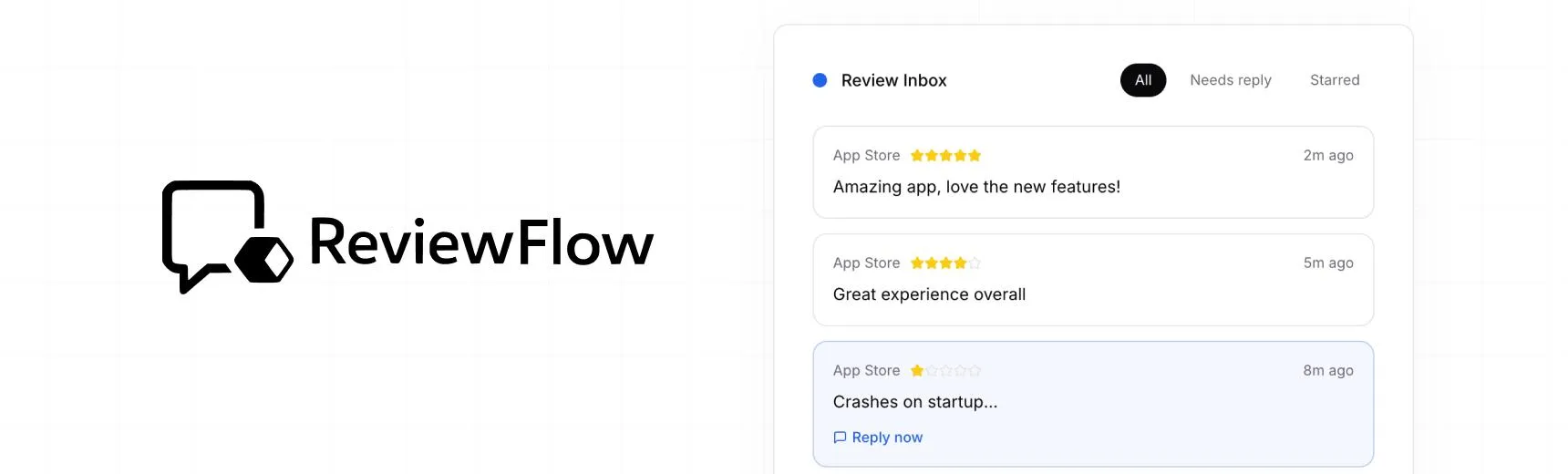
With ReviewFlow
AI-assisted workflow for faster review operations.
- Auto-cluster similar reviews (no manual tagging)
- Chat with your reviews using AI
- Reply with custom templates and bulk replies
- Draft responses faster with a consistent tone

Manual workflow
Time-consuming review handling with manual synthesis.
- Read reviews one by one
- Manually spot patterns and trends
- Write each reply from scratch
- Manually synthesize feedback for product handoff