Best App Review Management Tools for Mobile Teams
Compare app review management tools with a practical scorecard to choose software that improves response quality and product decisions.
Most “best tools” lists are not useful. They compare feature checkboxes and ignore the part that matters: operational impact.
If your team manages App Store and Google Play feedback at scale, the right tool should help you detect issues faster, reply better, and route signal into product decisions.
This guide gives you a practical evaluation framework for choosing app review management software.
Contents
- What app review management software should solve
- Data coverage and quality
- Insight quality
- Response operations
- Product handoff and execution
- Weighted scorecard
- Feature checklist
- Red flags during demos
- How to run a 14-day pilot
- FAQ
What app review management software should solve
At minimum, a tool should reduce three bottlenecks:
- scattered review data across stores and markets
- inconsistent response quality across agents
- weak handoff from customer feedback to product work
If it only gives dashboards without workflow improvement, ROI will be weak.
4 evaluation pillars
1) Data coverage and quality
Check whether the platform supports:
- App Store + Google Play in one view
- multi-country and multi-language filtering
- version-aware trend breakdowns
- complete review history access
Without clean data, every downstream insight is unstable. During evaluation, cross-check capabilities against Apple’s ratings and reviews documentation and Google Play Console developer help.
2) Insight quality
Look for:
- recurring theme clustering
- sentiment by theme (not just global sentiment)
- spike detection after releases
- filtering by rating, market, and app version
This is what separates analytics from noise.
3) Response operations
Ask practical questions:
- Can you assign replies with ownership?
- Are templates flexible without sounding robotic?
- Is there approval or QA workflow?
- Can you track response SLA by severity?
Reply quality is a brand asset, not a side task. A quick way to pressure-test this is to run your candidate workflow against a concrete app store review response playbook.
4) Product handoff and execution
Best tools make action easy:
- issue exports to ticketing workflows
- owner + status tracking
- weekly summary outputs for product teams
If no execution path exists, insights die in dashboards. Tools should also strengthen your baseline app store review analysis process, not replace product judgment.
Weighted scorecard (use this in your trial)
Use a weighted model instead of gut feel:
- Data coverage: 30%
- Insight quality: 25%
- Response workflow: 25%
- Integration/adoption cost: 20%
Score each category 1-5, then compute weighted total.
Feature checklist that actually matters
- Unified store ingestion
- Theme-level clustering
- Version-aware trends
- Reply SLA reporting
- QA/approval for responses
- Export to product workflows
- Team-level role permissions
Red flags during demos
- “AI summary” with no traceable review evidence
- no way to audit response changes
- no ownership model for follow-up actions
- generic sentiment metrics with no root-cause context
How to run a 14-day pilot
Week 1
- ingest real review volume
- configure taxonomy/themes
- train team on reply workflows
Week 2
- compare SLA before/after
- measure recurring issue detection speed
- review response consistency and QA outcomes
Pilot outcome should be operational, not cosmetic.
Featured snippet answer
What is the best app review management tool?
The best tool is the one that improves your team’s response quality and issue-to-action speed, not the one with the longest feature list. Prioritize data quality, theme clustering, reply workflows, and product handoff.
FAQ
Should we use one tool for analytics and replies?
Usually yes, if workflows are mature. Splitting tools can work, but integration overhead often reduces adoption.
How many reviews do we need before buying?
If review volume already causes missed issues or inconsistent replies, you likely have enough volume to justify a tool.
Is this only for large teams?
No. Small teams often benefit most because process discipline is harder without tooling.
Before final selection, validate whether the tool can support your sentiment workflow end-to-end (see this sentiment analysis framework) without creating extra manual handoffs.
Save hundreds of hours handling app reviews
See every App Store review in one place, respond faster, and turn feedback into clear product decisions.
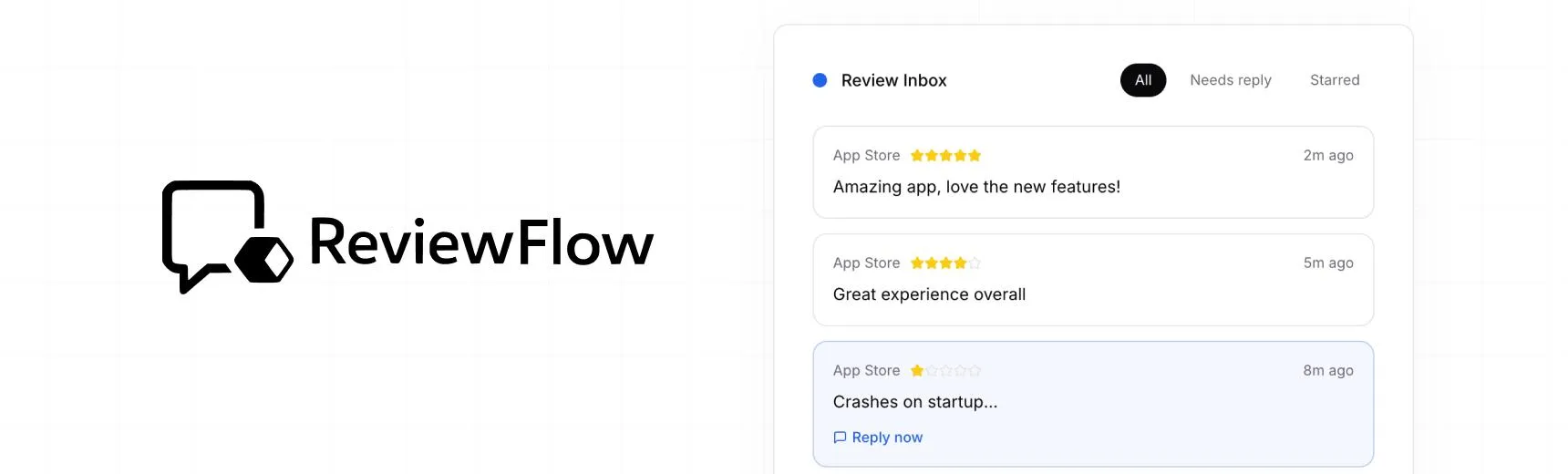
With ReviewFlow
AI-assisted workflow for faster review operations.
- Auto-cluster similar reviews (no manual tagging)
- Chat with your reviews using AI
- Reply with custom templates and bulk replies
- Draft responses faster with a consistent tone

Manual workflow
Time-consuming review handling with manual synthesis.
- Read reviews one by one
- Manually spot patterns and trends
- Write each reply from scratch
- Manually synthesize feedback for product handoff